
An engine room alongside the quay often has no network coverage at all. The Smart Sailors mobile app, on iOS, Android and in the browser, lets the engineer report a fault, complete a maintenance job or log a reading without a signal. Everything is sent the moment he steps back on deck. The office sees exactly what the ship sees, with the same permissions, in the same tool.


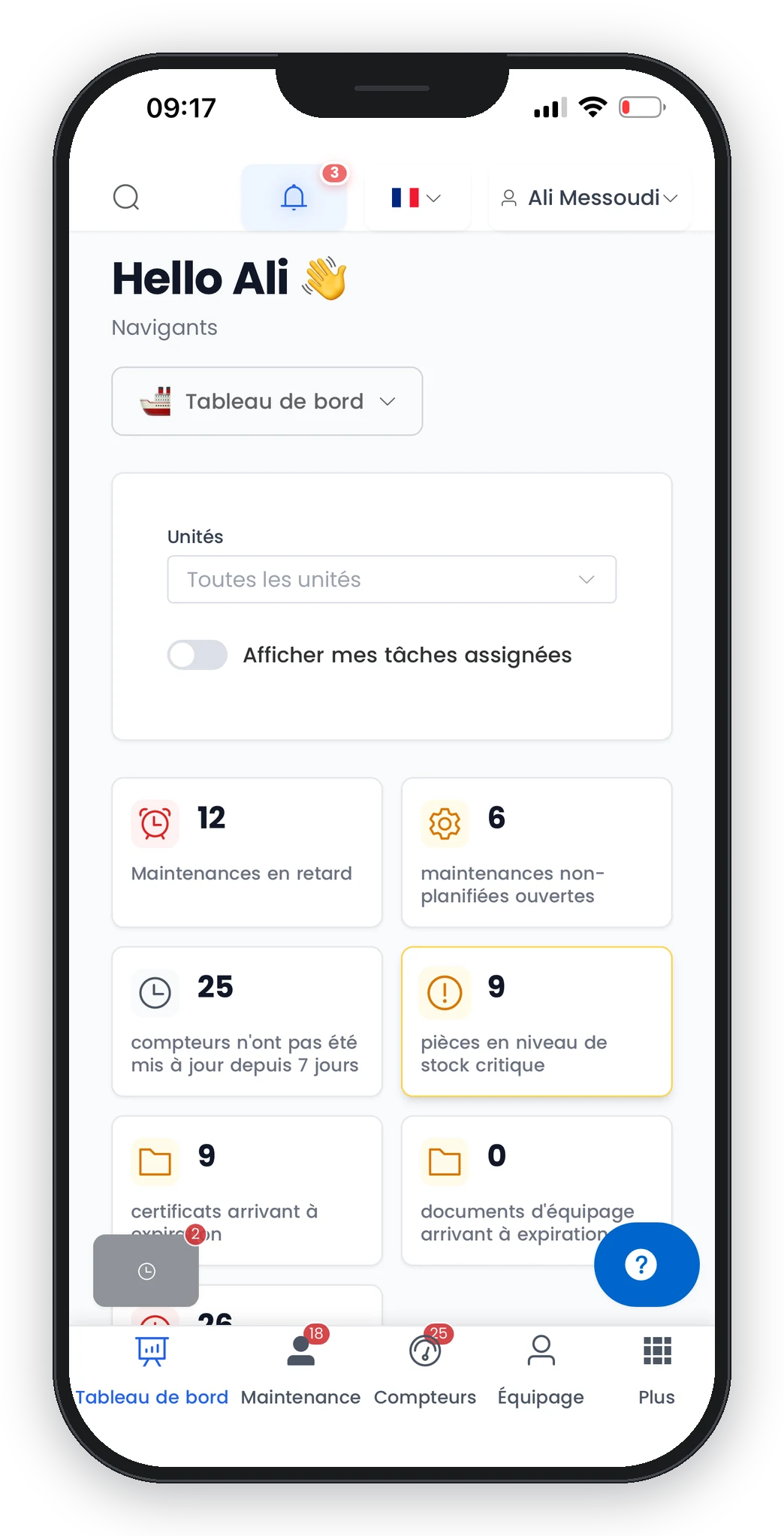
Not a degraded mode: the app keeps working without a network, and it shows you what it still has to send.
Equipment, maintenance jobs and readings you have viewed are available locally. The engineer opens the starboard engine record in a hold with no signal exactly as he would at the office.
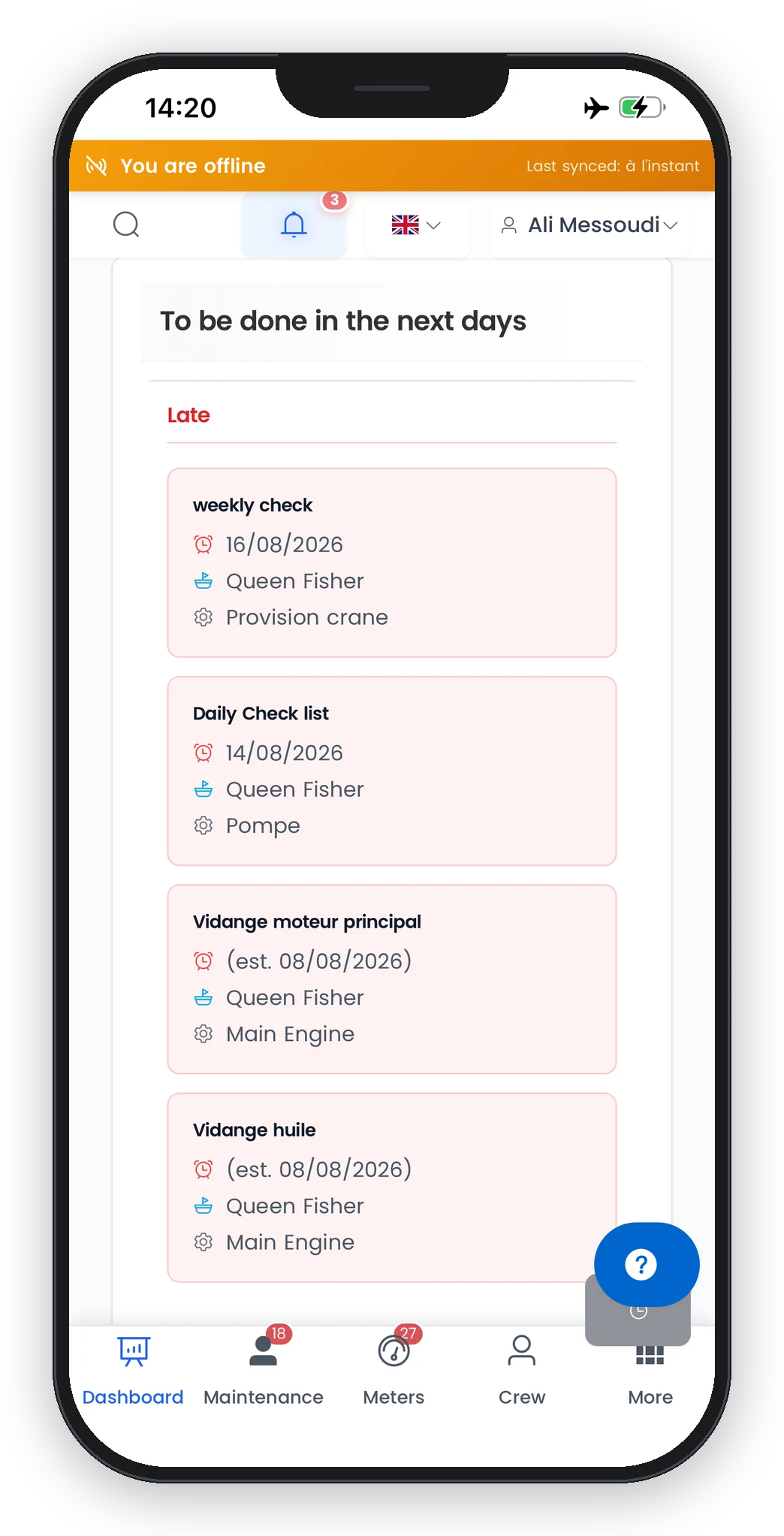
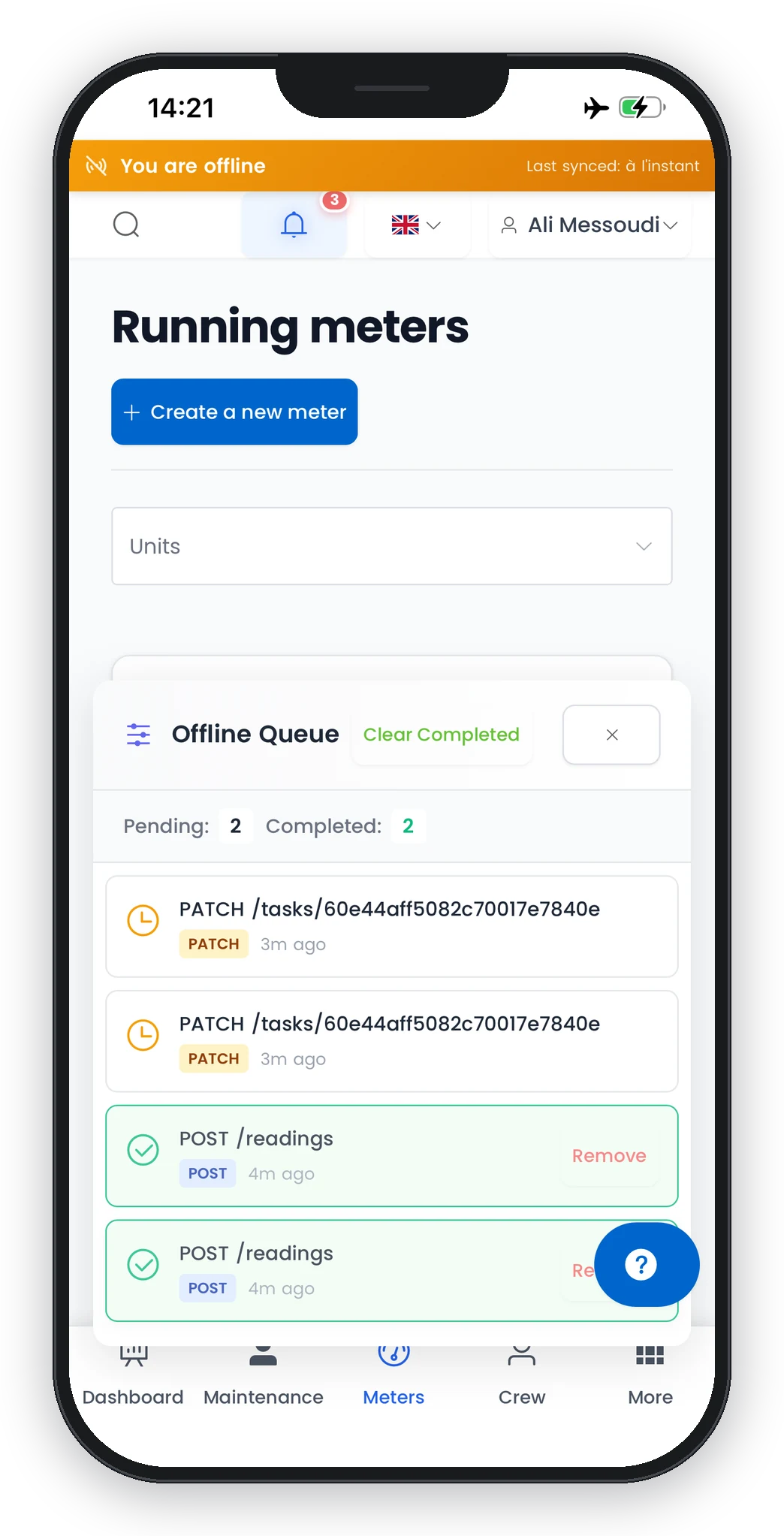
Report a fault, complete a maintenance job, log a reading: during an outage, every action is queued on the phone and sent automatically when the network returns. No manual step.
Online, offline, items pending: the status is displayed at all times, with a visible counter. Nobody has to wonder whether this morning’s reading reached the office.
If the same record was edited on board and ashore during the outage, resynchronisation flags it instead of silently overwriting one of the two versions.
A real case: the vessel is alongside, the engineer goes down to the engine room. No more signal. He reports a leak on the cooling pump, ticks off the steps of the 250-hour service, logs the battery voltages. The indicator shows three items pending. He climbs back on deck: the counter drops to zero and the office has received everything.
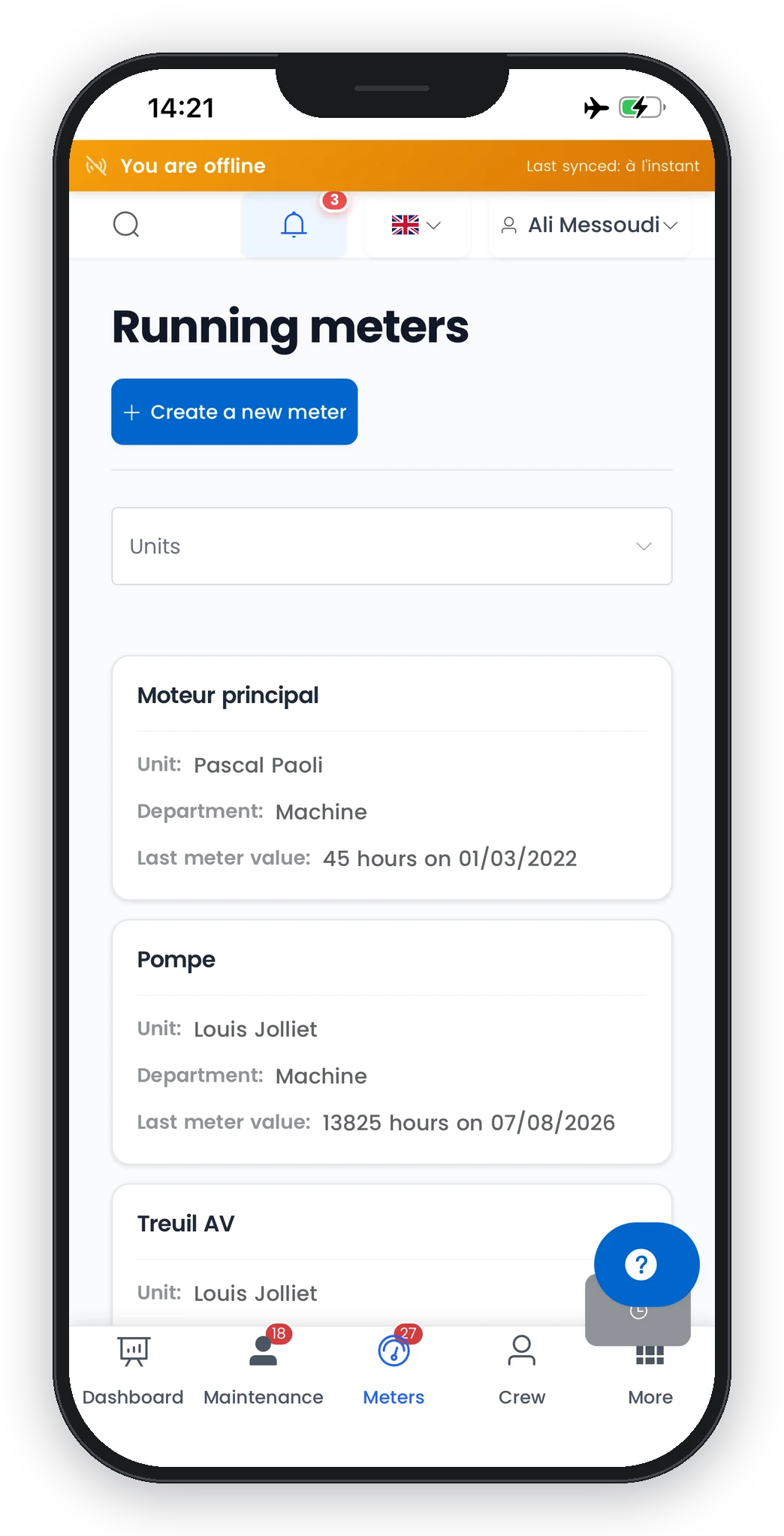
Without a connection, the crew keeps working: tasks and meters stay readable, entries and closures are saved on board, then synced automatically when the network returns.
The deckhand sees three large tiles. The technical manager sees everything. Nobody can end up on the wrong screen.
The administrator ticks “Simplified interface” on a role. Users in that role then open the app on their everyday actions only: report a problem, view their requests, carry out their maintenance jobs, log readings.
An action that is not permitted does not appear on screen. And it is rejected by the server anyway: the interface follows the role, security never depends on what is displayed.
Equipment, title, description, urgency. Field forms are stripped to the essentials; the office fills in the rest.
Touch targets of 44 px minimum, usable with gloves, on a wet phone or a tablet on the bridge.
Zero re-keying between ship and shore.
The engineer photographs the fault or the job directly from the app. The photo is attached and visible to the office immediately. Attachments are also available on equipment, certificates, documents and purchases.
A fault reported in four fields reaches the office with its equipment and urgency level. The technical manager schedules, assigns and orders the part. The crew follows the progress of their request in the app.
Every job exports to PDF: checklist, hours worked, parts used, costs. The document the surveyor or the insurer asks for already exists.
Every object carries its own history: who did what, when, with which values. It is built into the data layer rather than bolted on screen by screen, so nothing escapes traceability.
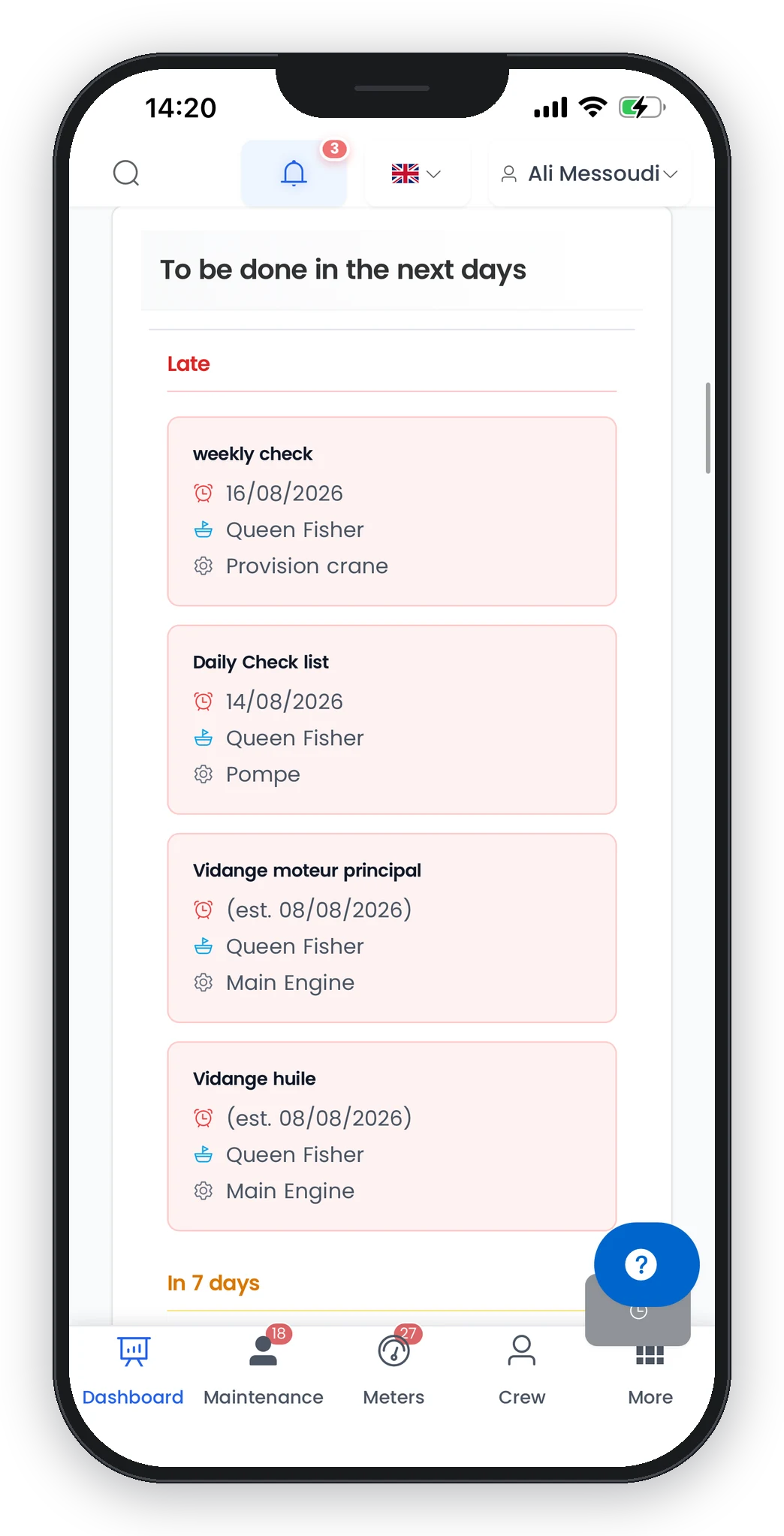
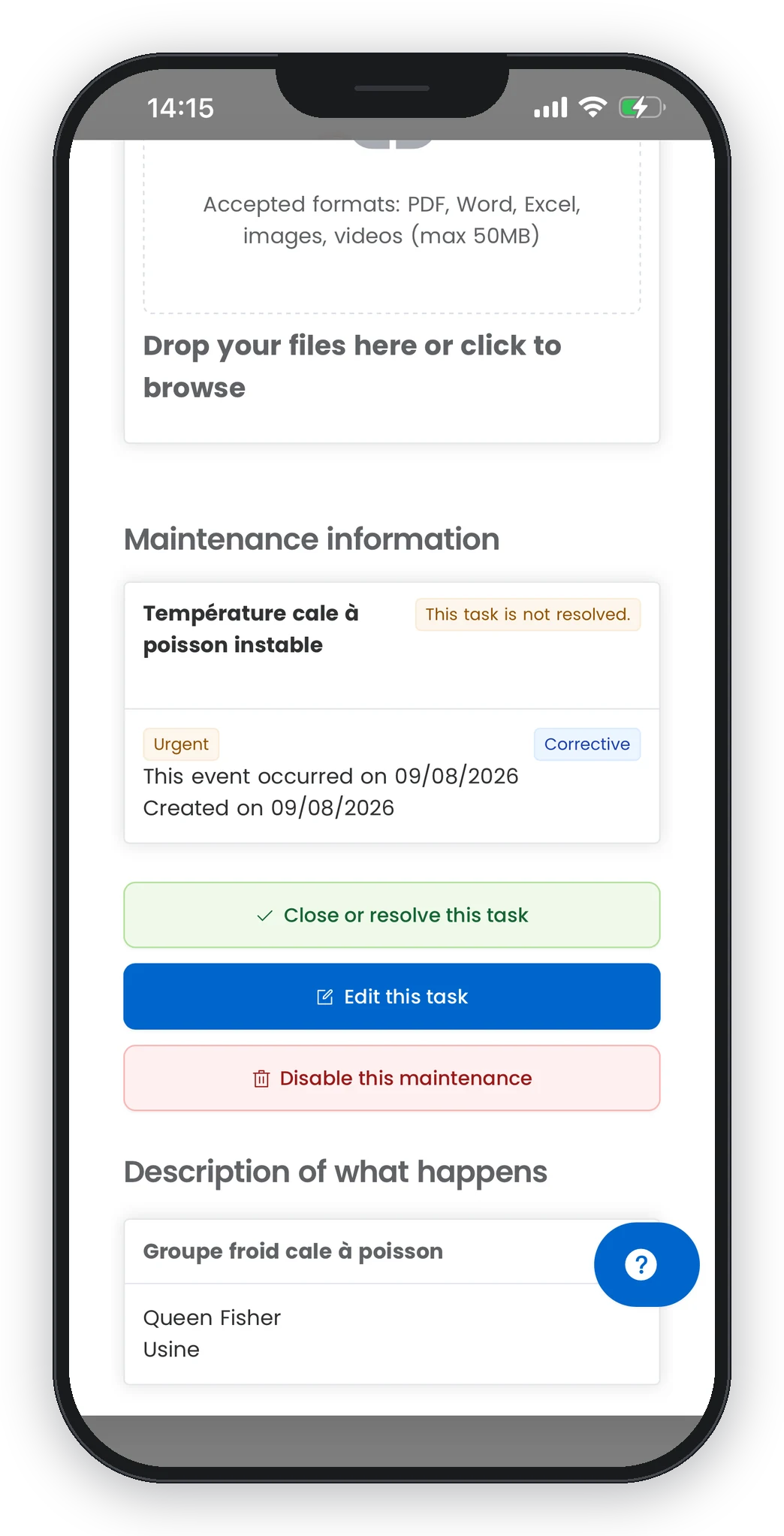
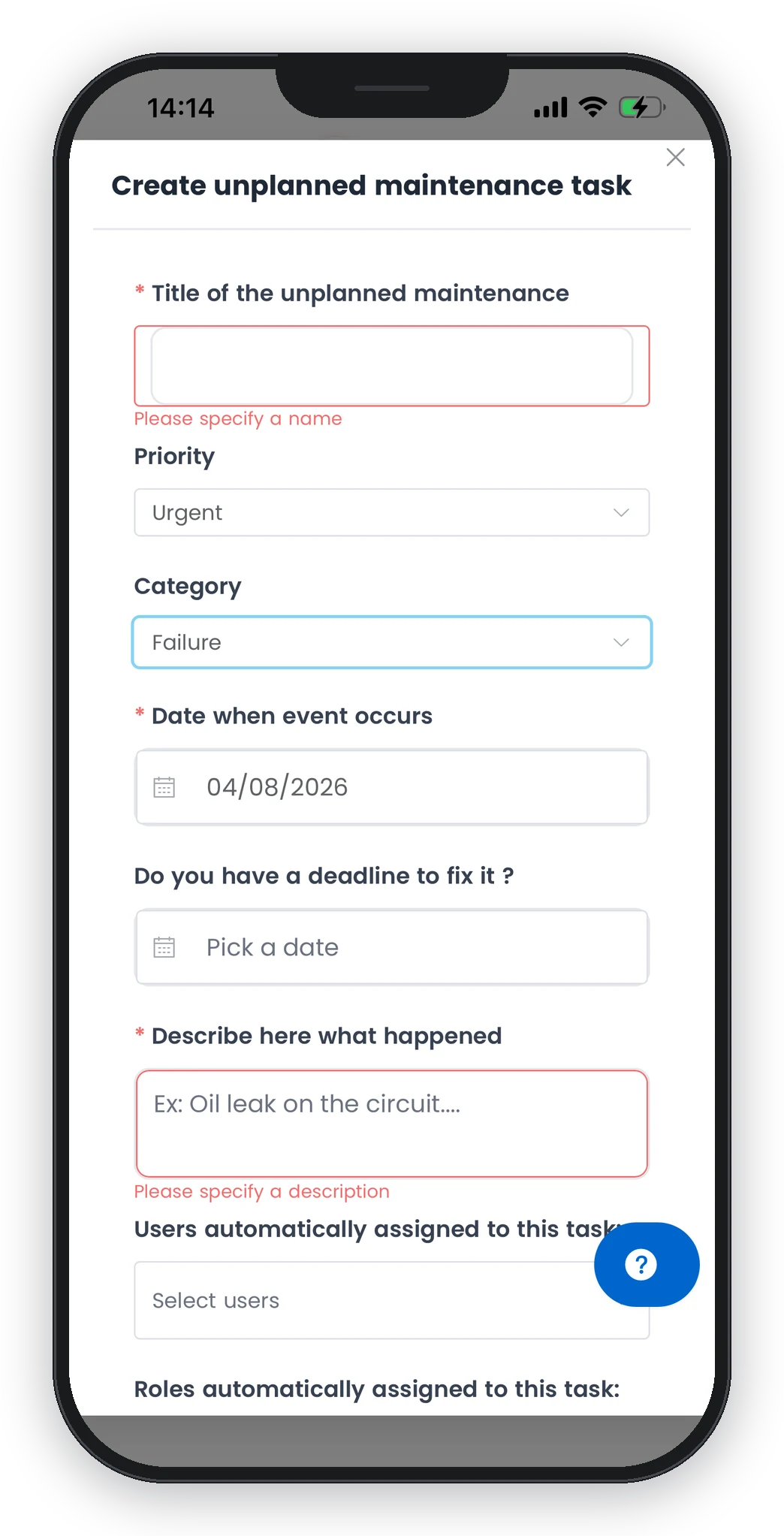
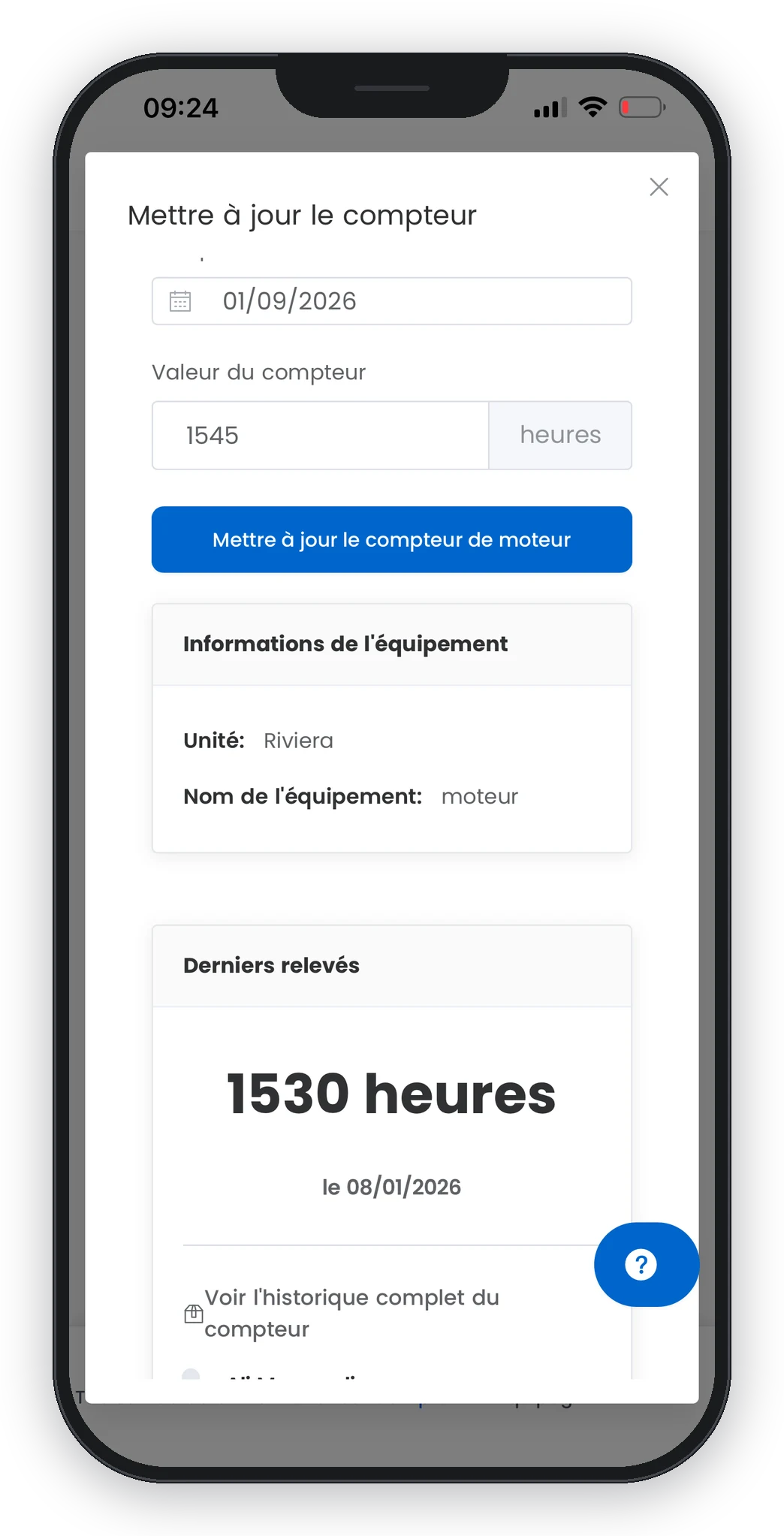
The same modules as at the office, on phone and tablet.
Planned maintenance on calendar or running-hour triggers, unplanned maintenance, checklists, assignment, hours worked, parts used, costs. Full history of every job.
Explore the Maintenance module →Running hours, temperatures, pressures, battery and circuit voltages, with min/max thresholds and out-of-range alerts. Readings can be backdated to transcribe the paper log of a long trip once back in port.
Explore the Meters module →Stock by location, decimal quantities in metres, kilos or litres, critical thresholds and tracked movements. Purchase requests can be raised from a maintenance job or a stock alert, then quotes, order, receipt, invoice, payment.
Explore the Inventory module →Sign-ons and sign-offs, crew documents with expiry tracking, watches, hours of work and rest, crew lists exportable in CERFA and IMO formats. Vessel certificates with due dates, passengers and manifest.
Explore the Crew module →An international crew works in its own language and gets help in its own language, on the same vessel.
The interface is 100% translated, on every screen. Language is a per-account setting: the chief engineer works in French, the second engineer in Spanish, the cook in Chinese, on the same fleet and the same data.
A how-to question, an instant answer, with access to the context of what the user is doing. If more is needed, the assistant opens a ticket for the support team. It replies in the user’s language.
Same data, same permissions, same interface adapted to the screen size.
Native mobile app on iOS and Android, plus a version that installs straight from the browser (PWA) for bridge tablets or shared workstations.
New features arrive with no manual step. A “What’s new” log presents them at login, so the crew never discovers a changed screen in the middle of a job.
Roles with per-action permissions, native restriction to assigned vessels, every write checked by the server. A seafarer only sees their own vessels, whatever the device.
Explore permission management →In-app and email notifications, with preferences by type and by channel. Each user decides whether to be alerted when a reading goes out of range.
Nothing the user can see. The entry is queued on the device, the sync indicator counter goes up by one, and it is sent automatically when the network returns. Photos are attached to the job once the connection is back.
The app exists as a native iOS and Android app, and as a browser-installable version (PWA) with no store involved. That is handy on a shared tablet or a locked-down workstation.
No. With the simplified interface, they only see the actions allowed for their role. And even if a button did appear, the server rejects any unauthorised write. The display is never the only barrier.
Yes. A reading can be backdated, so the paper log kept during the trip can be transcribed once back in port while keeping the right dates in the history.
Language is set per account, from six options: French, English, German, Spanish, Italian and Chinese. On the same vessel, everyone works in their own, and the built-in assistant answers in that language.
Professional ship operators, from fishing to oceanographic research, including ferries, yachting and service vessels. Smart Sailors is published by NEGAM in Marseille and has been in production since 2016.
In a demo, we switch the network off, log a fault, then switch it back on. Thirty minutes is enough to judge.
.png)

